Track & troubleshoot / BNT DOOM GUIDES
Why Your Auto Trader Didn’t Trade
Check entry timing, funds, market mapping, price limits, stale quotes, paused rules, holdings and rejected orders using DOOM’s actual status records.
On this page
Separate a skipped check from a failed order
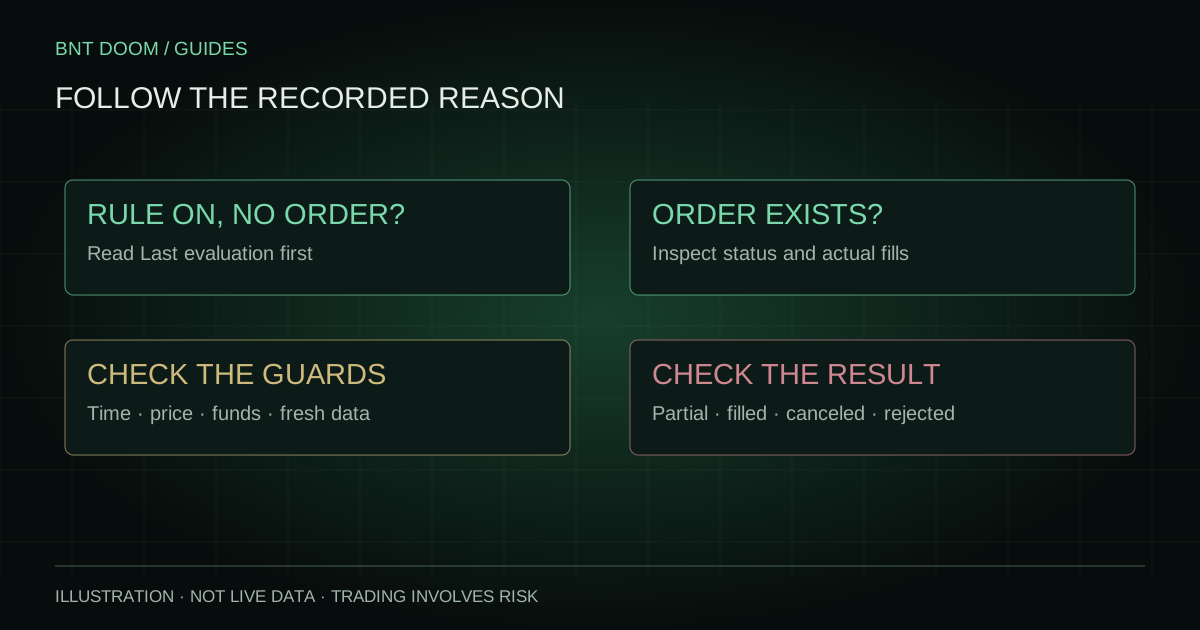
Begin with the automation panel. Read the returned ON/OFF state, Last worker check, Last evaluation and any Execution paused or error message. Expand Advanced settings for Last action when needed. The rule summary describes instructions; it is not evidence of an order.
Next, open Trade History. No order row and a price-above-limit evaluation mean something different from a rejected exchange order. A submitted row with zero fills means something different again. Use the symptom picker for a starting point; every explanation is also available in the sections below without JavaScript.
CHOOSE WHAT YOU SEE
Start with the symptom.
These checks run locally. They cannot inspect your account or diagnose an actual order.
A signal appeared, but no buy
Check the exact ticker and Last evaluation. The automatic entry window ends 60 seconds after the first actionable signal; later activation does not reopen it.
Read the full check ↓ON, but price or funds blocked it
Compare the saved entry ceiling with the current selected-side ask. Check Available for BTC trading, including fee-aware sizing, rather than total cash alone.
Read the full check ↓I changed the fields, but nothing changed
Edits are local until accepted. On an enabled rule, use Apply changes and verify the returned saved state, Last evaluation and any error.
Read the full check ↓Auto Sell has not closed my position
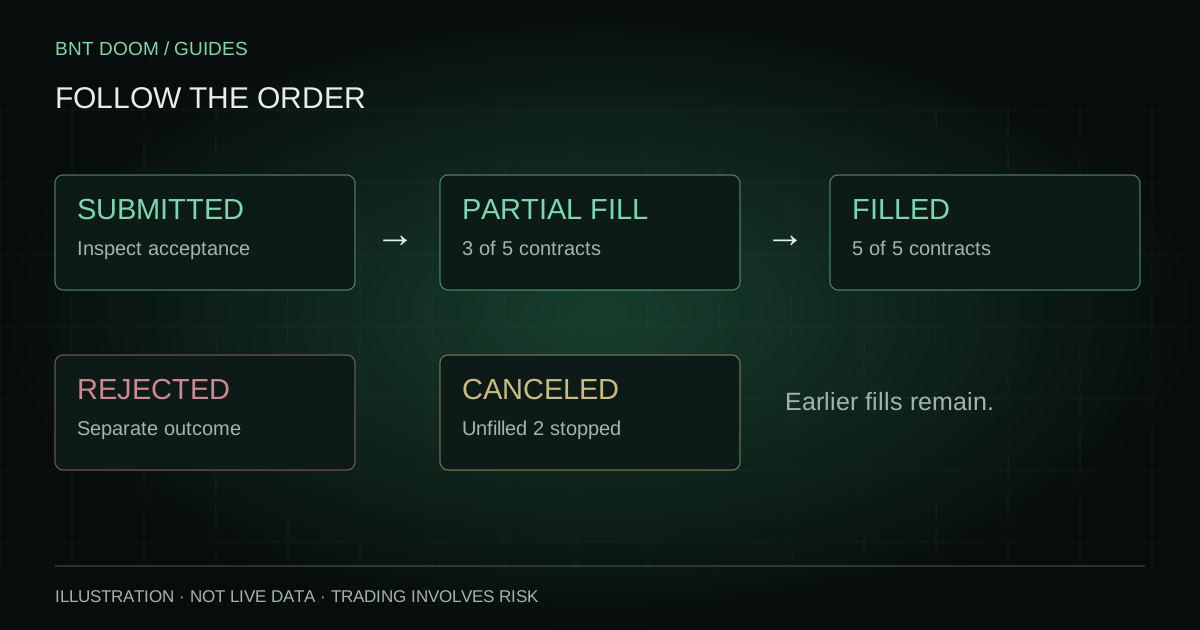
Check the selected-side bid, target and unreserved holdings for the same market and side. A partial exit or canceled remainder can leave positions open.
Read the full check ↓My order was rejected or its result is unclear
Open Trade History and inspect the actual status and available reason. Verify the exchange record before repeating an uncertain attempt.
Read the full check ↓A signal appeared, but the buy did not happen
Check that the signal and saved rule refer to the same current market. A This Market Only rule can still name an expired ticker, and a missing or stale market mapping can block execution. WAIT, missing signal or mismatched timing cannot establish a valid automatic entry.
The current buy deadline is 60 seconds after the round’s first actionable signal. After it closes, no new automatic buy is submitted for that ticker, even if the rule remains ON. OFF/ON, Apply changes and later signal changes do not extend that deadline. New rounds are evaluated separately; Auto Sell can continue.
Inside the window, temporary guards can be retried by the normal worker. Retrying means the current attempt was blocked and will be checked again, not that an order has already been accepted. Do not infer a trade from a refresh or repeated button press.
Check market buying power and the actual ask
Use Available for BTC trading for the selected ticker, not only total cash shown elsewhere. Buying power is checked in the customer’s relevant exchange/market context. Funds can be reserved, unavailable or insufficient for the requested contracts plus fees.
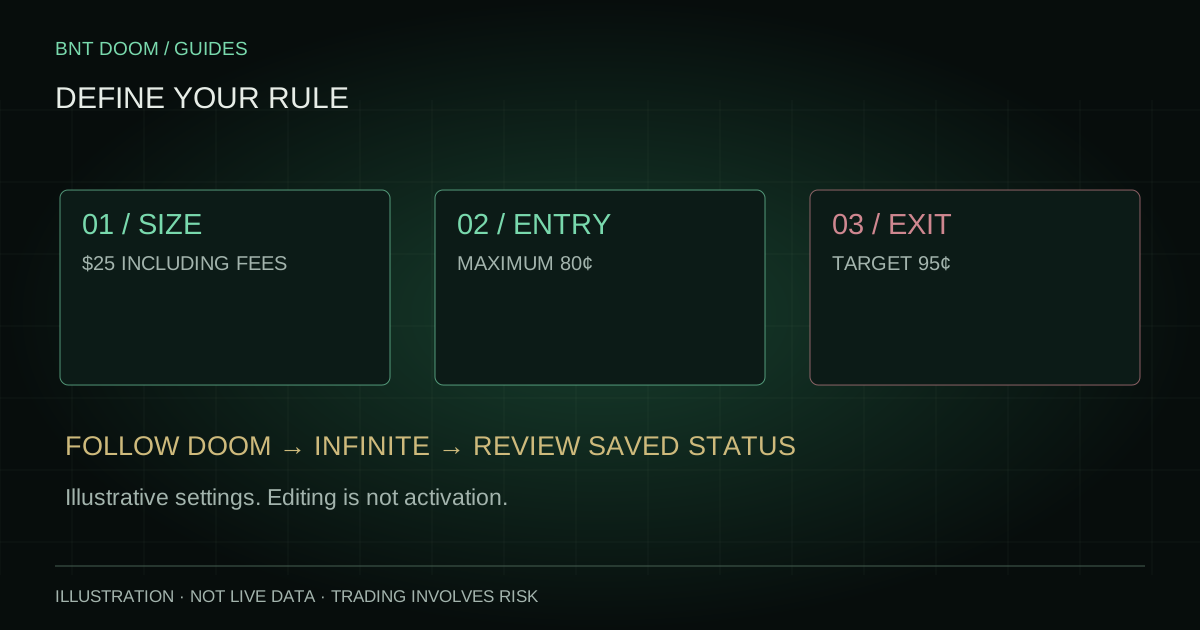
Compare the selected-side ask with the saved maximum execution price. Follow DOOM’s standard entry ceiling is 80¢; a custom limit can be lower. An earlier signal price is not the current ask. A skipped price-above-limit evaluation can therefore be correct behavior even while the signal remains unchanged.
Check saved settings, freshness and errors
If inputs were edited while ON, verify that Apply changes succeeded. A local draft is not the saved rule. Confirm duration, ticker/series, side, sizing, entry mode and any optional caps. An invalid target such as 95 instead of 0.95 can be rejected by validation.
A stale quote, unavailable account check, worker error or an unresolved order attempt can prevent another submission. Read the exact recorded reason and its timestamp. A recent successful reevaluation can clear an obsolete transient pause, but an older status should not be treated as proof of current readiness.
Duplicate protection prevents blindly repeating an order when a previous attempt is submitted or uncertain. Check order history and the exchange before attempting a manual replacement; an uncertain response is not evidence that nothing happened.
Auto Sell is ON, but the position remains
Check the bid for the selected side, not the ask or the Bitcoin chart price. Auto Sell waits for the target bid and then attempts an immediate-or-cancel exit. A partial fill can leave holdings; a canceled remainder is not proof that the whole position was sold.
Verify the same market and side, unreserved holdings, and whether the source is Positions bought by this DOOM rule. SELL ALL POSITIONS is scoped to that market and side, not every position in the account. Existing sell reservations can reduce available quantity. Read any insufficient-holdings or bid-below-target evaluation.
Bring a useful, sanitized support report
Record the market ticker, relevant time and timezone, rule’s returned state, saved price and sizing, and the exact Last evaluation or order rejection message. Include whether the issue concerns a buy or a sell. Remove email addresses, balances, credentials and account/order identifiers from public screenshots.
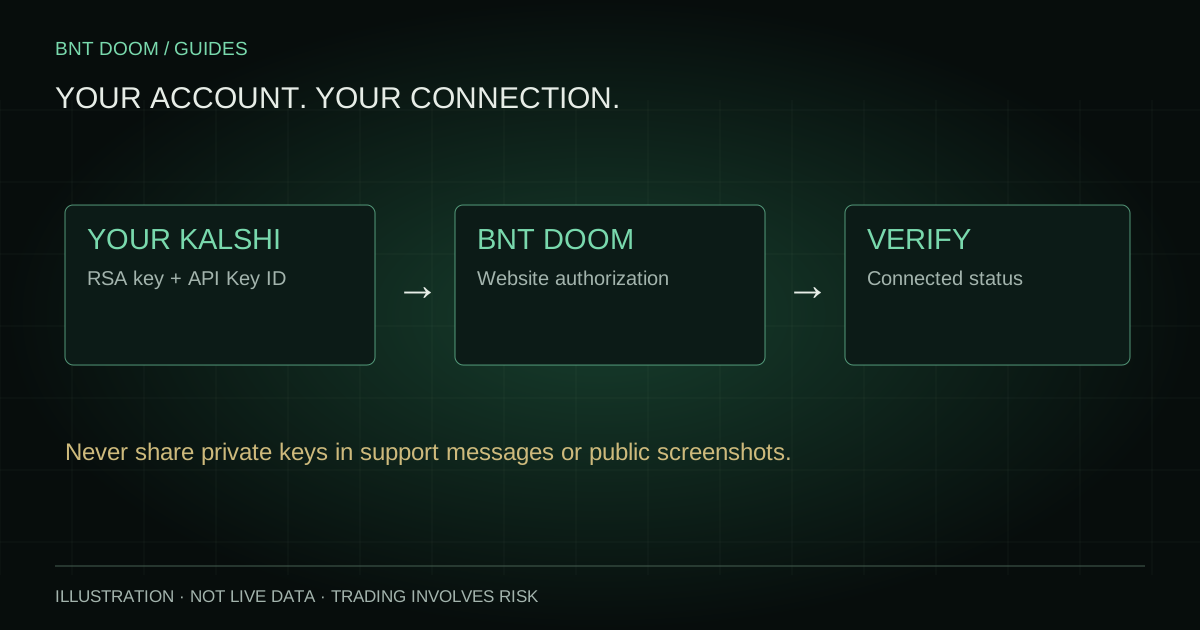
Use [email protected] for account-specific help. Do not send RSA keys or passwords. If a status is unavailable, say so; do not replace it with an assumed reason. A saved rule and a visible signal never guarantee a trade or a fill.