Configure / BNT DOOM GUIDES
Set Up Auto Buy and Auto Sell
Configure Follow DOOM, dollars or contracts, entry limits, sell targets and duration. Understand ON/OFF, Apply changes and status verification.
On this page
Start with access, connection and an OFF rule
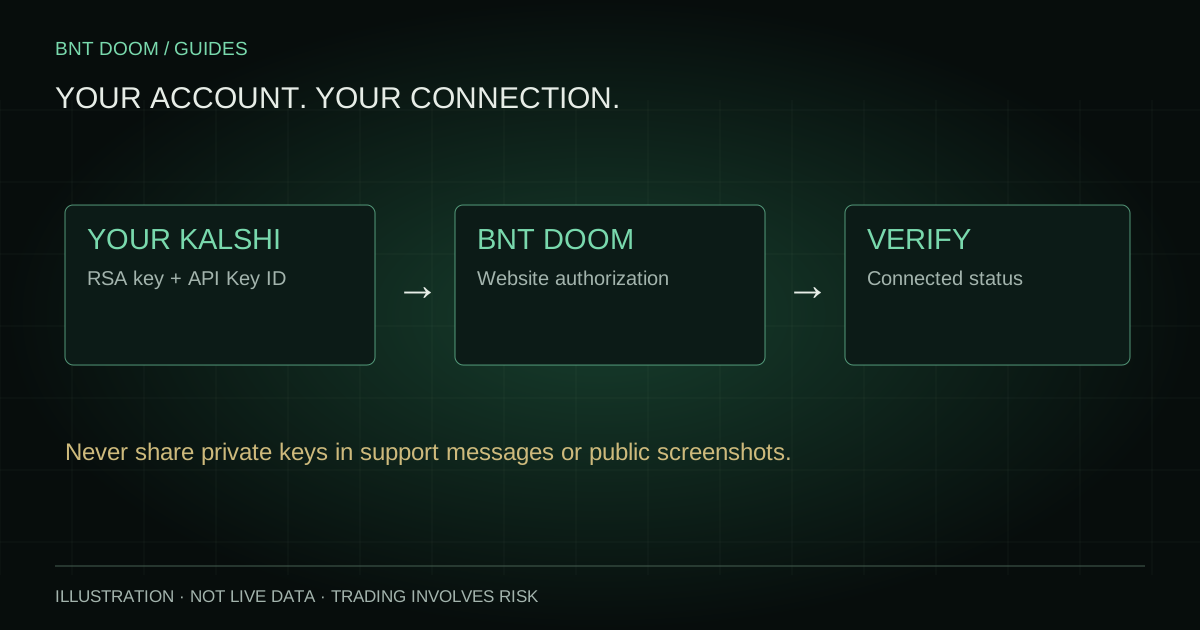
Sign in with an active BNT account, verify that your own Kalshi production connection reports Connected, and review Available for BTC trading for the current market. Total cash across exchanges is not necessarily the buying power available to that market.
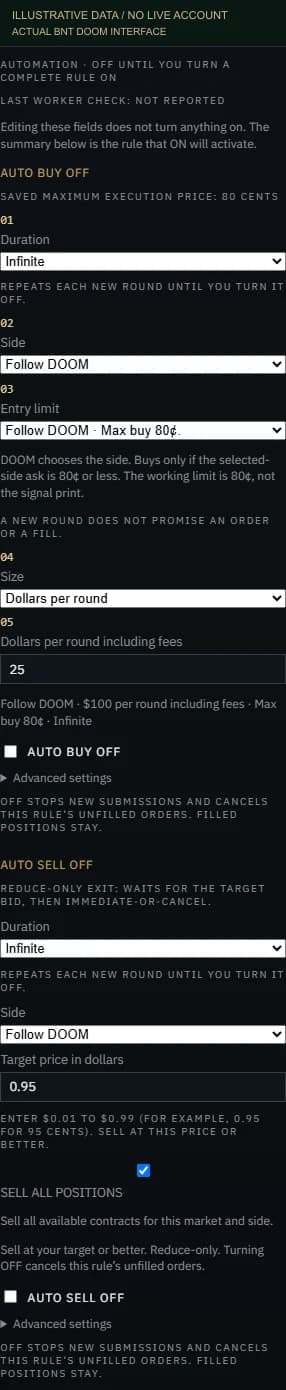
Editing form fields does not activate automation. Start with AUTO BUY OFF and AUTO SELL OFF, read the labels and enter a complete rule. The captured controls below are the current product interface with illustrative local values; no customer account was used.
Choose side and maximum entry price
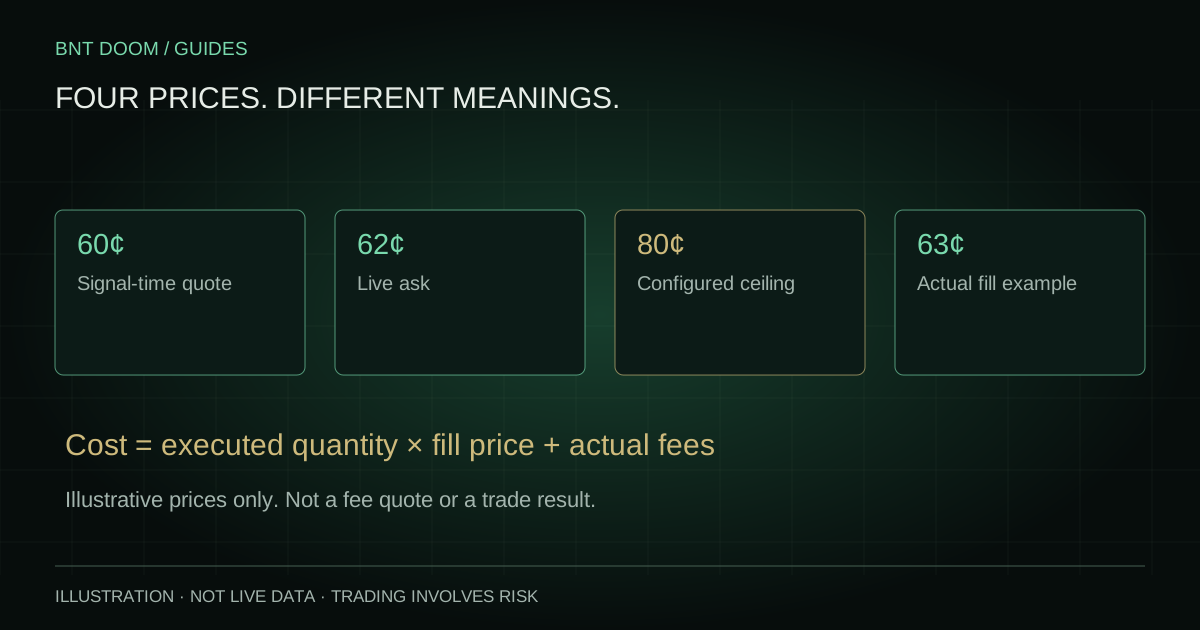
Under Side, choose UP / YES, DOWN / NO or Follow DOOM. Follow DOOM chooses the side from the actionable signal. Its Entry limit choices are “Follow DOOM · Max buy 80¢.” and “Custom limit”. The 80¢ option is a working ceiling, not the signal-time print. A 65¢ signal-time price does not force a fill at 65¢.
With a custom limit, enter a dollar price per contract, such as 0.70 for 70¢. A selected-side ask above the ceiling blocks that buy evaluation. A price at or below the ceiling still needs sufficient funds, fresh quotes, a valid market and the other execution checks. A ceiling is a maximum you permit, not a recommendation to pay it.
Set quantity, budget and duration
Dollars per round including fees is a spend budget. The system calculates an affordable quantity using execution checks and fee-aware sizing; it is not the same as dividing dollars by the signal-time quote. Contracts per round is a requested quantity whose purchase cost and fees still need funding.
This Market Only ties the rule to the specified ticker. Infinite repeats into new eligible rounds until you turn it off; it does not mean guaranteed trades or uninterrupted service. Optional order and exposure caps can still constrain a rule. Infinite has no hidden expiration date or hidden order-count cap.
The entry window closes 60 seconds after the first actionable signal for that round. Enabling late, clicking Apply changes or toggling OFF/ON does not reset the deadline. New rounds have their own window. The local example below describes a rule; it never saves settings, arms automation or sends an order.
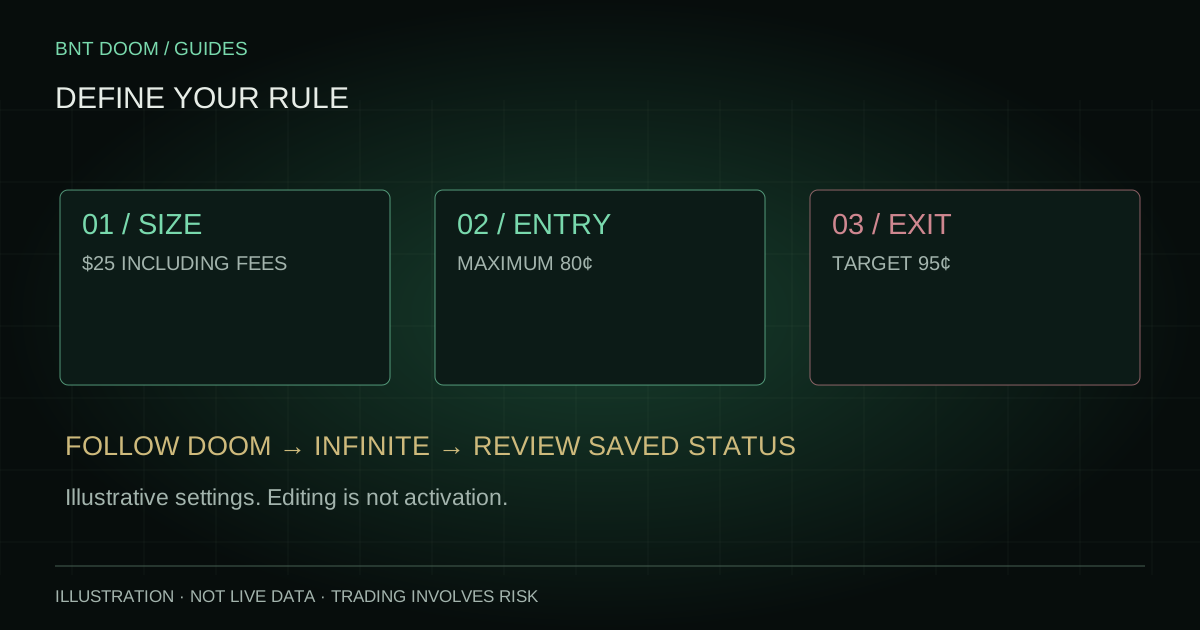
LOCAL EXAMPLE / NO ACCOUNT CONNECTION
Build a rule in plain language.
In the actual form, 95¢ is entered as $0.95.
This example describes settings only. It does not calculate a fill, save a rule or turn automation ON. A trade still requires funding, valid timing, fresh data and execution checks.
Configure Auto Sell separately
Choose the sell side or the option “Positions bought by this DOOM rule”. Set Target price in dollars between 0.01 and 0.99: enter 0.95 for 95¢, not 95. Auto Sell waits for the selected-side bid to reach the target, then attempts a reduce-only immediate-or-cancel exit. A brief touch or limited liquidity does not guarantee a complete sale.
SELL ALL POSITIONS means all available contracts for the selected market and side, subject to unreserved holdings. It is not an instruction to liquidate the entire Kalshi account. The DOOM-rule source narrows the exit to covered rule purchases. Existing resting sells can reserve holdings and reduce what remains available.
If you choose Position value to sell rather than all positions, quantity is calculated at the target price. That field describes estimated sale proceeds before fees, not a buy budget or a guaranteed payout.
Turn ON, apply edits and verify the saved state
Turning a complete rule ON submits its configuration for validation and activation. Read the returned ON/OFF state, saved maximum execution price and any error. If an enabled rule has unsaved edits, Apply changes sends those edits; changing an input alone does not change the saved live rule.
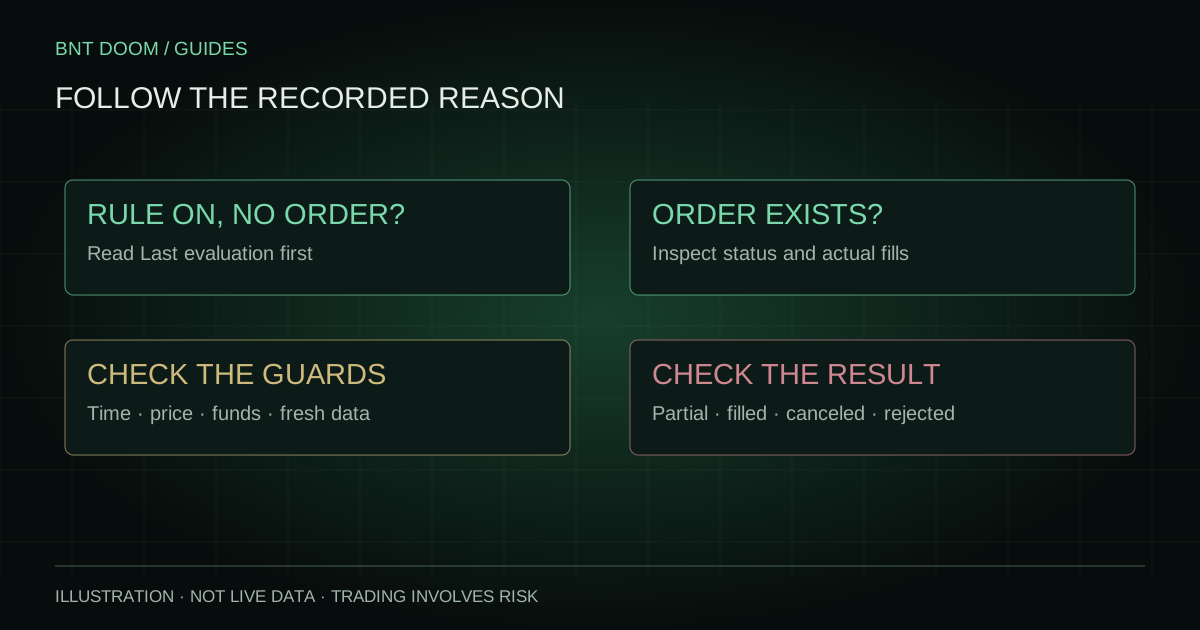
Check Last worker check and Last evaluation after activation. A rule can be armed while a particular evaluation is skipped or temporarily blocked. Correct an actual error, then verify the new recorded status. Do not repeatedly toggle controls to force a missed round.
Turning OFF stops new submissions and cancels that rule’s unfilled orders. Filled positions stay. Confirm the returned state and use Trade History or your exchange account to check outstanding orders; OFF is not a sell-all instruction.