BNT DOOM.
Your rules. DOOM’s signals. Take control of Bitcoin’s 15-minute markets with live UP/DOWN calls, connected Kalshi trading, and automated entries and exits. Trade manually or set your budget and sell target—then let DOOM follow the rules you choose.
Built by Bets and Threats. See our calls and join the conversation on Kalshi.
BEFORE CLICKING SIGN IN, SEND AN E-MAIL TO [email protected] OR JOIN DISCORD FOR PURCHASING AND ACCESSING INSTRUCTIONS.
Follow Bets and Threats on Kalshi ↗THE BNT DOOM FILM / 46 SECONDS
SEE DOOM IN ACTION.
Your signals. Your rules. Your next move.
PRESS PLAY FOR SOUND · TRADING INVOLVES RISK
Player keyboard controls: Space or K to pause or play, left and right arrows to seek, up and down arrows for volume, M to mute, F for fullscreen.
01 / UNDERSTAND
Read the market.
See the signal.
Bitcoin moves. DOOM puts direction, probability, candles, and market context in one view—so you can see what’s behind the call.
Follow model estimates alongside the current contract, strike, quotes, and time remaining.
A model estimate is not a guaranteed outcome. Market prices, fees, and actual fills affect results.
Example: the model favors UP. The estimate describes direction; it is not a historical win rate.
02 / CONFIGURE
Your account.
Your rules.
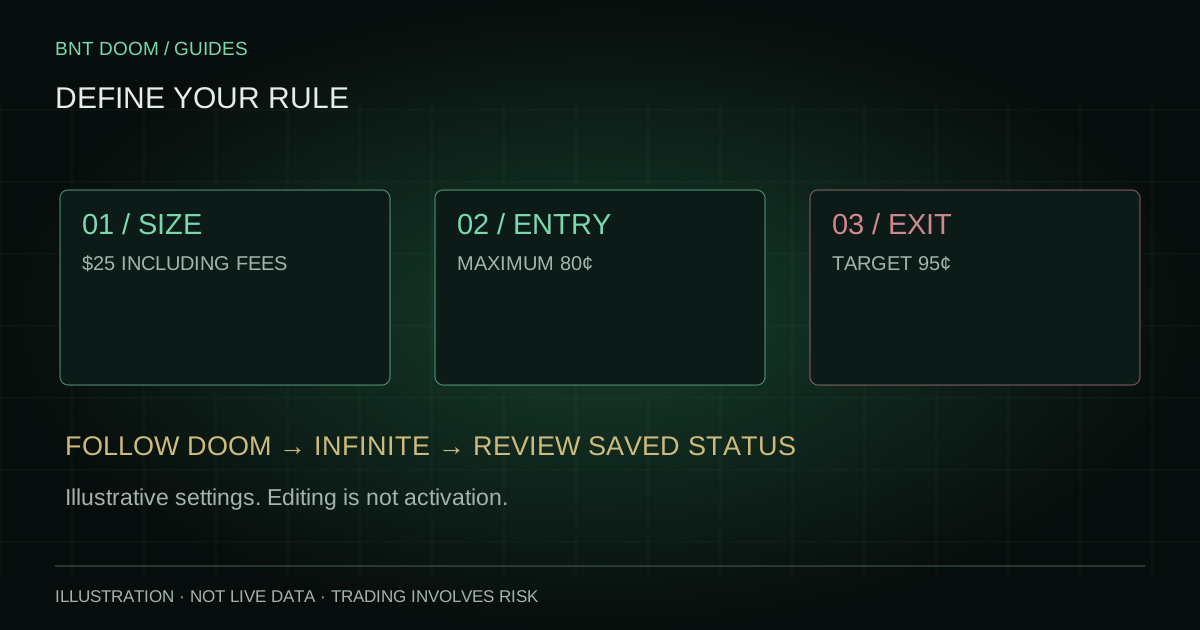
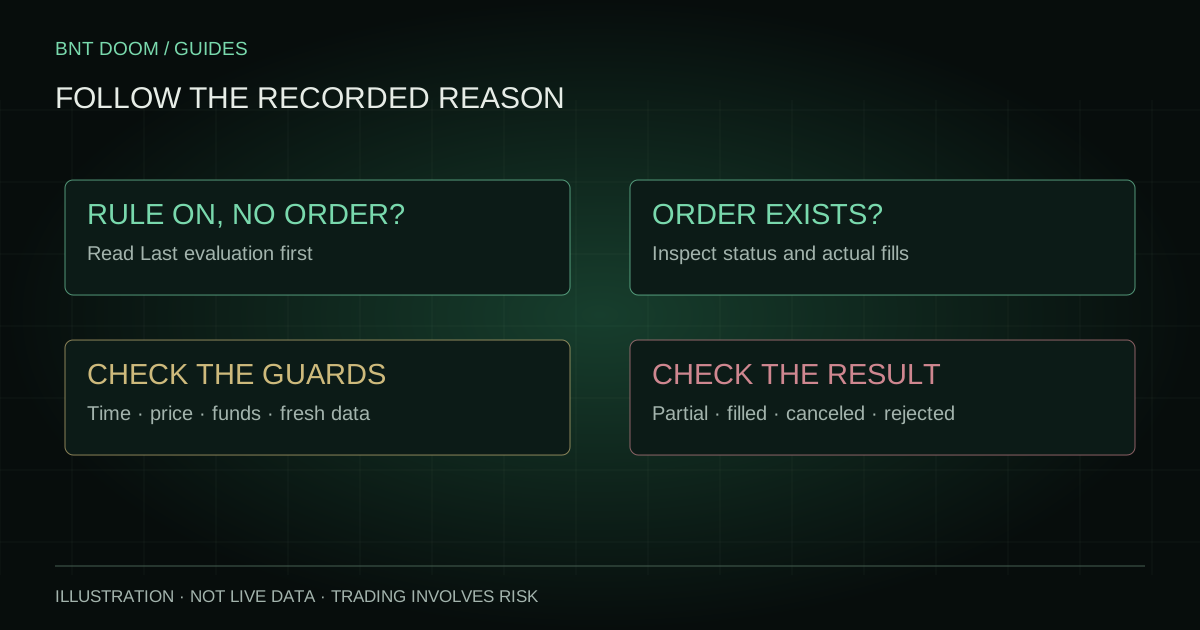
Connect your Kalshi account. Choose how much to trade and when to exit. Follow each order from submission to its actual fills.
Set Auto Buy and Auto Sell in your dashboard, then turn your rules on when you’re ready.
Try the illustration here. These controls don’t save a rule or place an order. An accepted order is not a confirmed fill.
Follow DOOM · $100 per round including fees · Sell all available contracts for the selected market and side at 93¢ or better.
03 / GET STARTED
From first look
to your dashboard.
Start with access instructions. Then create your BNT account and connect Kalshi when you’re ready to use trading features.
Start the conversation.
Email support for purchasing and accessing instructions. Payment is arranged outside this website.
BNT DOOM GUIDES
Know the signal.
Understand the trade.
Practical guides to the contract, your rules and the actual result.
Explore all guides ↗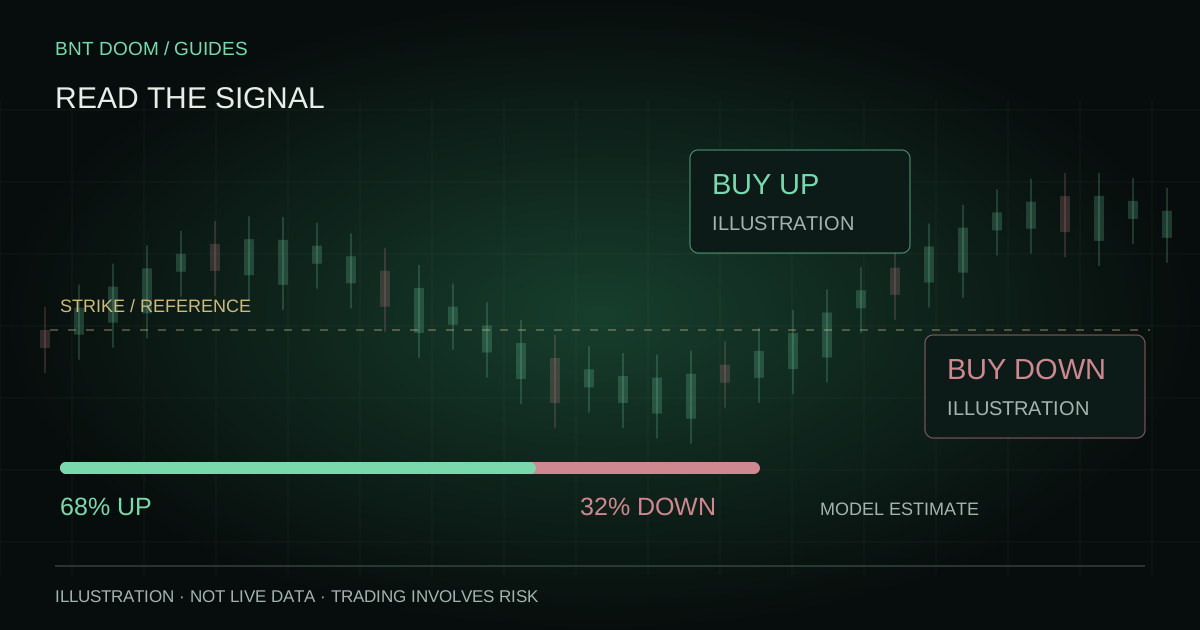
01 / UNDERSTAND
Signals for Bitcoin 15-minute markets
Follow model direction and probability estimates alongside the current Bitcoin contract, strike, market quotes, and time remaining.
A prediction is an estimation made utilizing millions of events of live data stored and collected. We will put you in the best position to win with the best data available.
02 / CONFIGURE
Connected Kalshi trading
Eligible customers can connect their own Kalshi account, review trades, and view order and fill history. A BNT sign-in is separate from a Kalshi connection.
Kalshi autotrading includes customer-configured Auto Buy and Auto Sell rules. Editing a rule does not activate it: you choose the settings and turn it on. Orders depend on account access, available funds, market conditions, and execution checks; an order submission does not guarantee a fill.
BNT DOOM is a Bets and Threats product.
03 / GET STARTED
Purchase access and sign in
- Contact support. Email [email protected] for purchasing and accessing instructions. Payment is arranged outside this website.
- Verify your BNT account. Follow the account setup instructions and verify your email. Email verification and paid dashboard access are separate.
- Open your dashboard. Sign in to your BNT account after access is approved. Connect your own Kalshi account separately if you want to use the trading features.
Setup and access FAQ
Do I need to email support every time I sign in?
No. Existing customers can sign in normally. The email instructions are for purchasing access and getting set up.
Why is my verified account awaiting payment approval?
Email verification confirms your email address. Dashboard access requires a separate paid-access approval. Contact support if you have paid and are still waiting.
Does signing in connect Kalshi or enable automation?
No. Connect your own Kalshi account through the dashboard’s trading connection settings. Auto Buy and Auto Sell require your configuration and activation.
Are predictions the same as settled outcomes?
No. Signals are model estimates. The exchange determines the actual contract outcome. A displayed probability is not a verified win rate or a guaranteed return.
What if I cannot sign in or my access has expired?
Use the password recovery option on the BNT account page. For access approval, expiration, or setup help, email [email protected].
Where can I ask questions?
Email support for account and purchasing help, or use the Join our Discord link for the community. Never share passwords or private API keys in Discord.